The easiest way to collect
emails for your missionary's list.
Get a personalized flyer and social post with a QR code your friends and family scan to join one tidy email list — then one email reaches everyone, without the spreadsheet.
Get the flyer + list — $29 →$29 one-time, on its own · No subscriptions · 30-day guarantee
See how it works →A flyer and a social post —
personalized with their name.
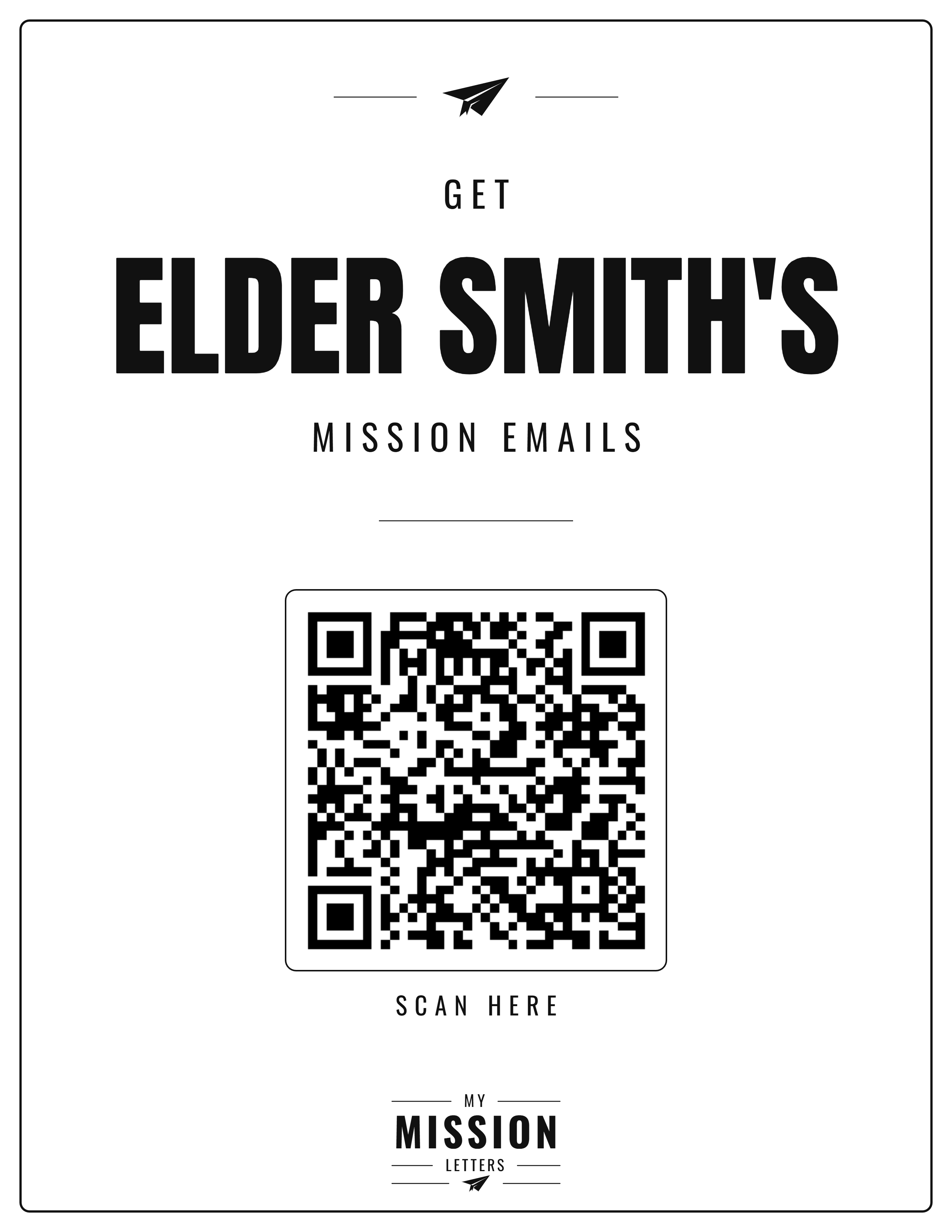
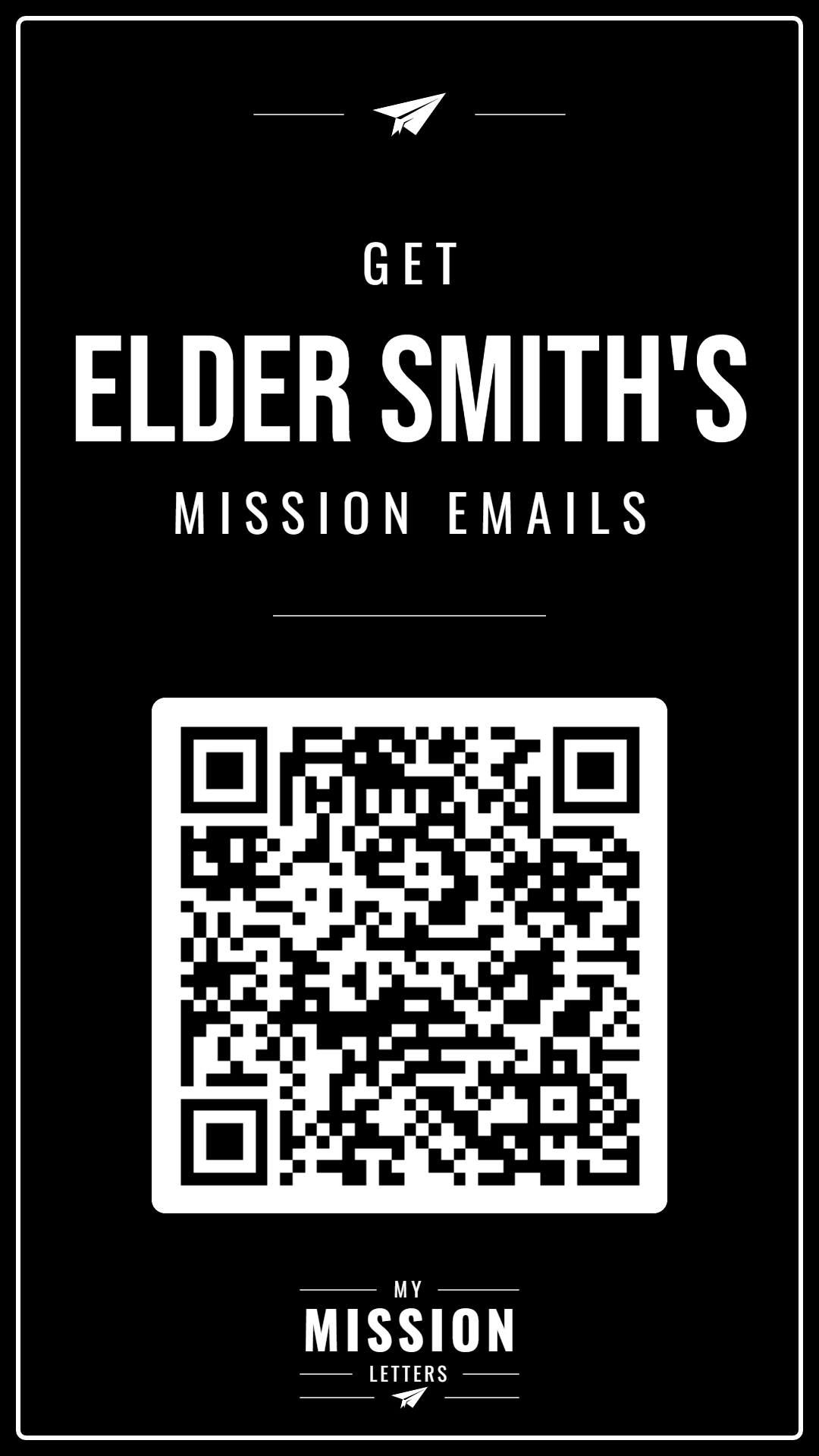
We make both for you, branded with your missionary's name and a QR code. Print the flyer for the farewell or post it at church; share the post to Instagram and Facebook. People scan, enter their email, and they're on the list.
Make it yourself —
or get it done for you.
A flyer is the easy part. Collecting the emails — and getting every update to every person, every week — is the part that wears you out.
Free, but it's all on you
You can absolutely design a flyer and make a QR code on your own. The catch is everything that comes after:
- Collect every address by hand
- Re-type them into your email each time
- Rebuild the list whenever someone new asks to join
- Hope nobody gets missed
- Nothing is saved for the Memory Book
The flyer and the list, handled
For a one-time $29 — no book purchase required — we generate the branded flyer, the social post, the QR code, and a self-updating join link — and the list runs itself:
- Friends and family add themselves when they scan
- Everyone lands on one tidy list
- One email reaches everyone — nothing to copy or paste
- New names just keep landing — nothing to rebuild
- Every update saved automatically into the Memory Book
How it works.
Share the flyer, post, QR code, or link — friends and family add themselves to one list. When you have news, one email reaches every one of them.
People Scan & Join
Friends and family scan the QR code or tap the link, enter their email, and they're on the list.
One Clean List
Everyone lands in one place — no spreadsheet, no scattered threads to keep straight.
One Email, Everyone
Send a single email to the list's own address — everyone gets it, and it's saved automatically.
Share the flyer, post, QR code, or link
The moment you sign up, MyMissionLetters gives you a printable flyer, an Instagram and Facebook post, a QR code, and a join link — all branded with your missionary's name. Print the flyer for the farewell, post at church, or share the image online.
Friends and family join in seconds: they scan the QR code, tap the link, or open the post, enter their email, and they're on the list. You can always add someone by hand, too.
Send one email — everyone gets it
Everyone who wants the missionary's updates is gathered on one tidy list you control. When you have news, send a single email to the list's own address — every person on it receives your update, and it's saved into the Memory Book automatically. Nothing to copy, nothing to paste, nobody missed.
Prefer to send from your own inbox? You can still copy the whole list in one click and paste it into Gmail or Outlook — the broadcast address is the easy path, not the only one. See everything Pro Email List does →
No more chasing
down addresses.
The addresses are everywhere
Some emails live in your phone, some in an old spreadsheet, some only in your head. Pulling them together every time is a chore.
"Can you add me?"
Someone new always wants in — a neighbor, a cousin, a friend from church. Tracking every request by hand never ends.
Someone always gets missed
Rebuilding the recipient list from memory each time means a name slips through — and a feeling gets hurt.
Simple, one-time pricing.
Pro Email List is $29 on its own — add a Memory Book whenever you like. No subscriptions, ever.
Every email, photo, file, and social post — delivered as a personalized digital book after the mission.
Everything in the digital record, printed and shipped as a hardcover.
The personalized flyer, social post, and QR code — plus a managed list where one email reaches everyone, saved automatically.
Every product is a one-time charge that covers the missionary's entire mission, with a 30-day money-back guarantee — mix and match whatever you need. See the full Pro Email List details.
Questions, answered.
How do friends and family join from the flyer or QR code?
They scan the QR code with their phone camera (or tap the join link), enter their email, and they're on the list. The flyer and the social post both carry the same code, personalized with your missionary's name.
Do I need to be tech-savvy to make the flyer?
No. The personalized flyer, social post, and QR code are generated for you the moment you sign up with Pro Email List — there's nothing to design. Download the flyer to print, or post the image straight to Instagram or Facebook.
Can't I just make my own flyer and QR code?
You can. But a homemade flyer still leaves you collecting every address by hand and rebuilding the recipient list each time someone new asks to join. Pro Email List ($29, one-time) makes the branded flyer and a self-updating list — people add themselves, and one email reaches everyone.
How much does it cost?
Pro Email List is a one-time $29 — on its own, or alongside a Memory Book ($49 Digital or $99 Hardcover; both together save $20). No subscriptions, and a 30-day money-back guarantee.
What is the Memory Book plan for?
Every email your missionary sends home is also saved in the Mission Archive as it arrives — so you're collecting emails and preserving them at the same time, and a keepsake Memory Book is one click away whenever you want one.